
Stock Checker
Before someone drives out: is the part there, and where. Live availability per plant and storage location, straight from S/4, with the recent goods movements that explain the number.
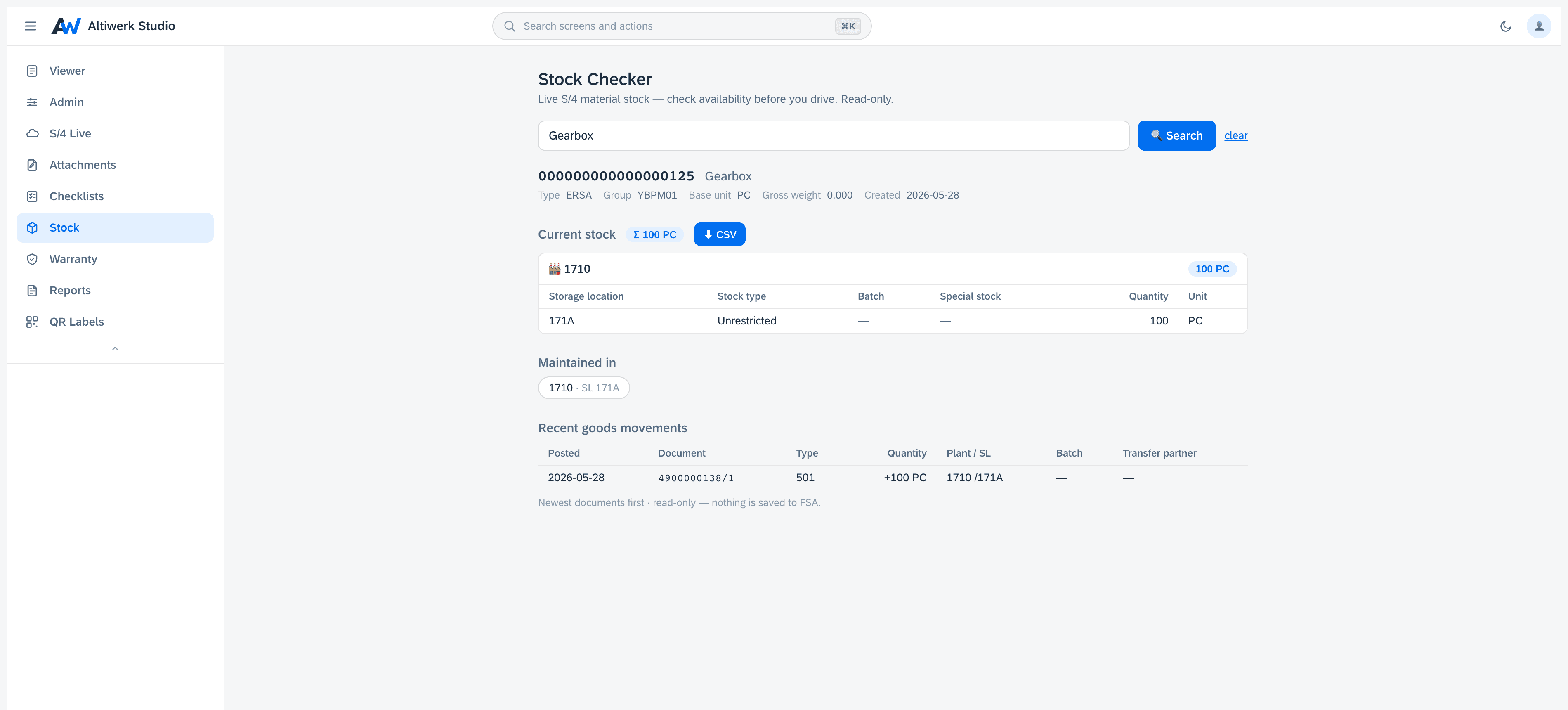
Live S/4 material availability, per plant and storage location — before anyone drives out.
- Search by material number or description, then read a single material card.
- Current stock, where the material is maintained, and recent goods movements.
- CSV export of anything on screen.
- Degrades honestly: if the tenant has not activated the stock service it says so, rather than showing an empty table.
How it installs
One permanent link, pasted into Foundational Services → Extensions. Nothing is minted per customer — your licence is the whole gate.
https://studio.altiwerk.com/ext/stock/appconfig.jsonOn mobile it runs in the FSA Web Container, and can be pinned so the technician sees only this one. How mobile works
Updates reach every tenant on the next load — there is no upgrade step to schedule.
What you need
- ·An FSA tenant where you have admin access to Extensions.
- ·One install link, pasted once. No deployment on your side.
- ·The connectivity engine, deployed on your own SAP BTP subaccount.
- ·An S/4 system exposing the relevant OData services — V2 or V4 — reachable from that engine via SAP Cloud Connector or a Communication Arrangement.
- ·The S/4 material stock API activated on your system — if it is not, the product says so rather than showing an empty table.
Questions people actually ask
You get a card that says exactly that, naming what is missing. An empty table would look like 'no stock', which is a different and much more expensive statement.
Yes — by number prefix or by words in the description.
Anything on screen exports as CSV, and the file survives Excel — leading zeros stay, separators are right, and nothing is interpreted as a formula.
Often licensed alongside
Try Stock Checker in your own tenant.
A 14-day licence bound to your tenant. No credit card, nothing auto-renews.