
Screen type
SAP document screens
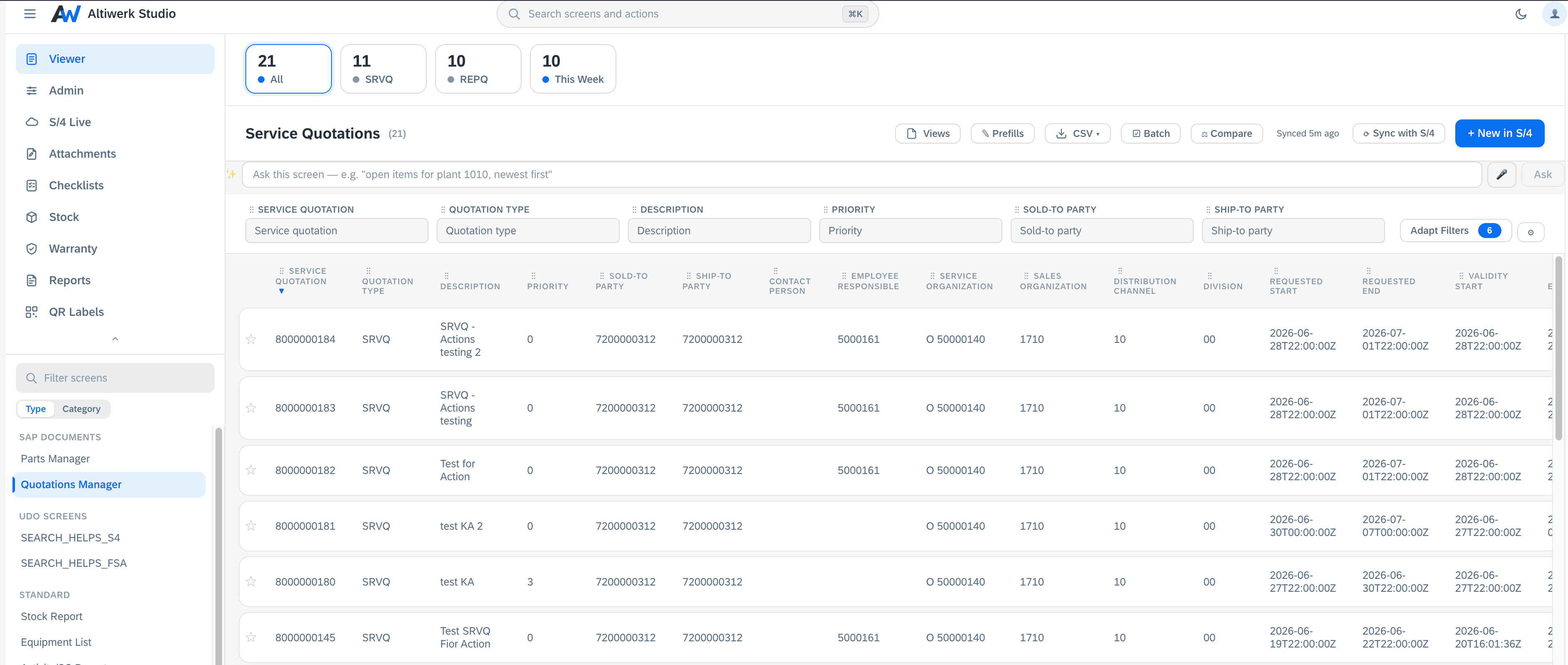
Header, items and sub-items — the shape a real business document has.
LicenceSAP document screensUnlimited screens of this type
fsm.cloud.sap
Reach for it when
Anything quotation-shaped: a header with lines, optionally mirroring an S/4 document.
What it does
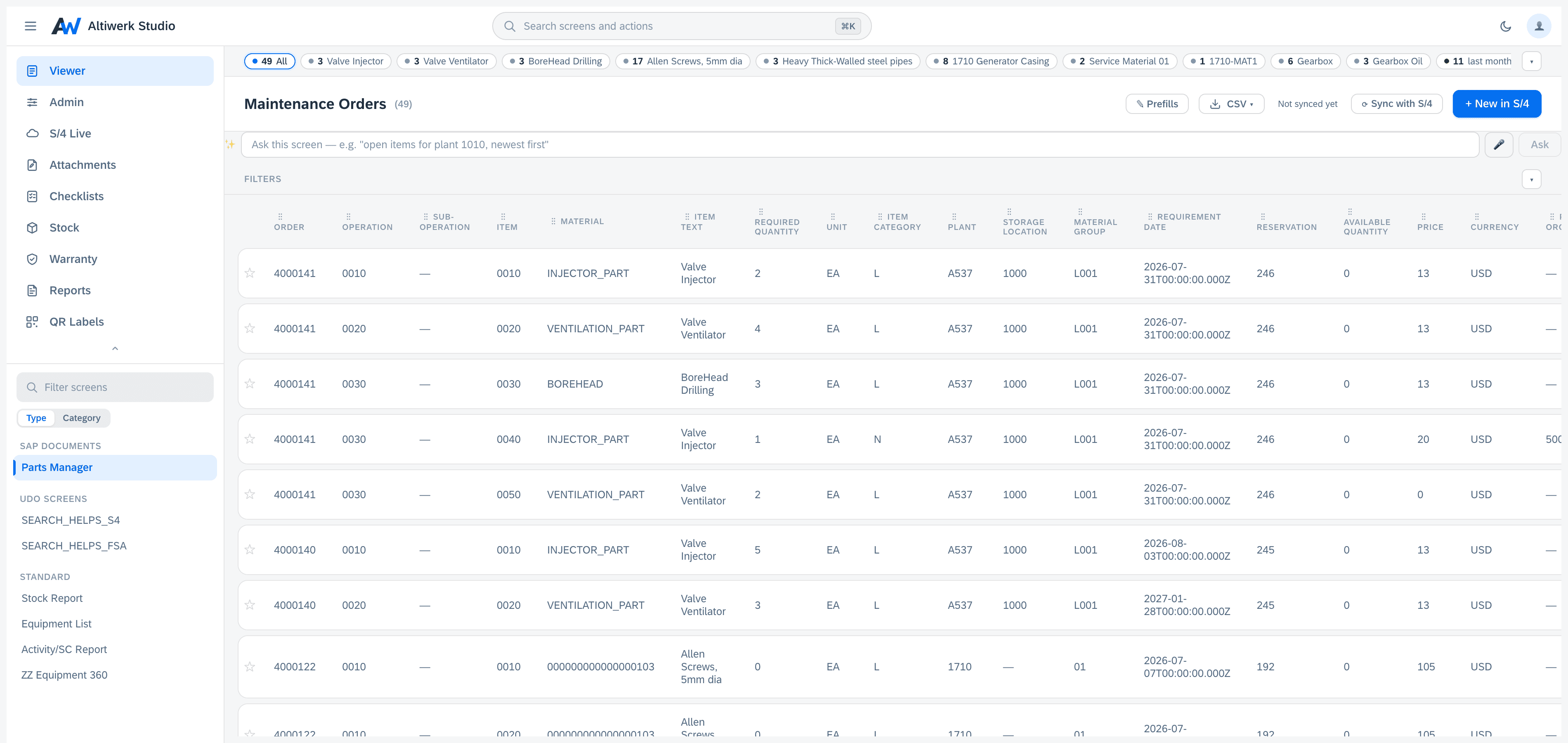
- Header → items → sub-items, with per-item-type tabs and automatic document numbering.
- Optionally a live projection of an S/4 entity, created directly in S/4.
- Push back to S/4 with the same progress, conflict and retry behaviour as UDO screens.
- Bulk CSV at header level, and CSV import for the items inside a document.
- One field order everywhere: drag in the filter bar, the column headers, Adapt Filters or View Settings and all four follow.
- Item and sub-item grids keep their own orders, remembered per screen.
- Batch delete with the same confirm, progress and tally.
- Header fields can auto-fill from the record the screen is hosted on.
What people build with it
- →A service quotation built in the field
- →A goods-issue document mirrored from S/4
- →An inspection sheet with per-line findings
In the app
What that looks like
fsm.cloud.sap
Get started
Build a sap document screen this week.
A 14-day licence covers every screen type, so you can find out which of the four your problem actually is.